
 English
 Bengali
GB44 Login Fast Access, Reliable Recovery, Real Protection
Signing into GB44 takes roughly 10 seconds — enter your username or email, type your password, tap the button. The same credentials unlock the desktop site, mobile browser, and the Android app without any separate setup.
Lost your password? Recovery through email or SMS finishes in under two minutes. Locked out of both channels? A manual identity check via our verification team takes 24 to 48 hours but always ends with your account back in your hands.
If you believe someone else has slipped into your profile, jump to the compromised-account playbook at the end of this page. Every minute counts — determined attackers can shift funds in under an hour, so acting quickly beats acting later.
How to sign in to GB44
What you need before starting
- Username or email address — either identifier works at the prompt
- Your account password — case-sensitive, no leading or trailing spaces
- Access to your registered email or Bangladeshi phone number — required only when signing in from an unrecognized device
What happens step by step
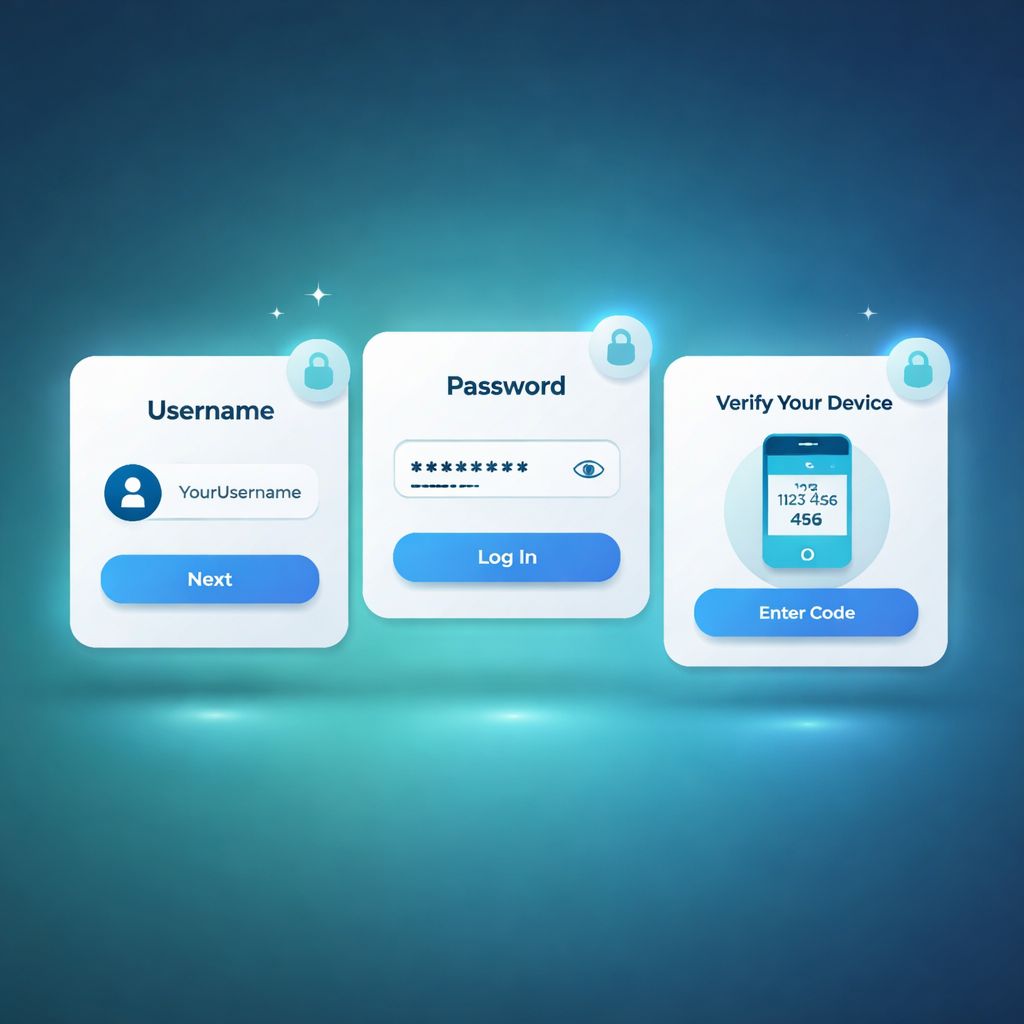
- Type your username or email into the top field
- Enter your password in the second field
- Tap the
Sign Inbutton - When credentials match, you land directly on your personalized dashboard with balance and recent activity visible
Signing in from a new device or browser
GB44 fingerprints devices at login. When something unfamiliar shows up — a new phone, a friend's laptop, a fresh browser install — a verification code is dispatched to your registered email or phone.
This extra step exists because a password alone should never open a bank of value. A stranger with your password but no access to your inbox or SIM card cannot break through this second gate.
The one-time code stays valid for 5 minutes. Type it into the prompt, confirm, and you are inside. Curious about deeper security practices? Read the about page for how we handle your data.
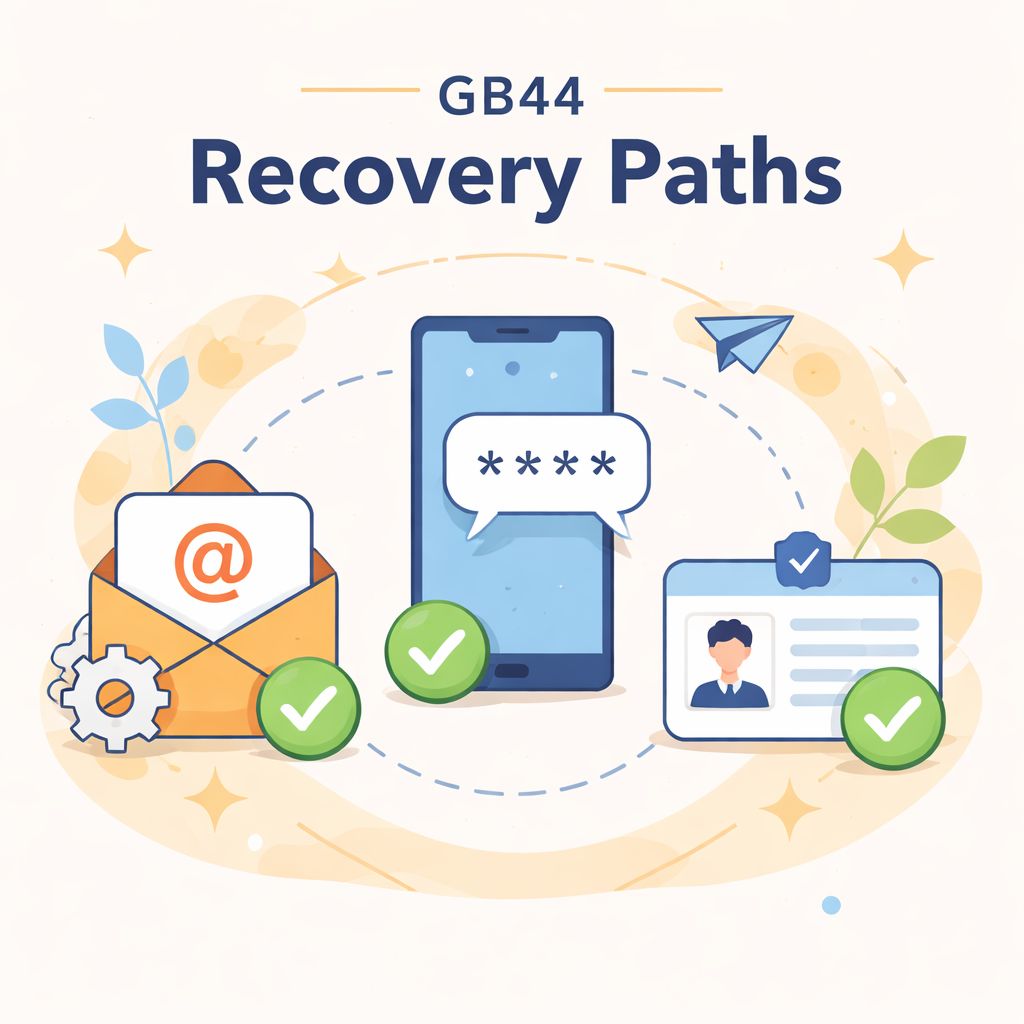
Three password recovery paths
Five sign-in issues we resolve every week
"Incorrect username or password" message keeps appearing
- Turn caps lock off. Passwords are case-sensitive, so a stray Shift key breaks every attempt.
- Swap username for email or vice versa — both should log you in.
- Trigger a password reset if you have any doubt at all about the exact characters.
- Brand-new accounts: confirm you clicked the verification link in the welcome email. Unverified profiles cannot sign in.
"Your account has been temporarily locked"
Repeated wrong-password attempts trigger our anti-brute-force shield, which freezes login for a cool-down window.
Wait 15 minutes, then try again with the correct password or a fresh reset. If it's urgent, our live chat agents on the contact page can unlock the profile immediately once your identity is confirmed.
"Verification code did not arrive"
- Look inside spam, promotions, and junk folders
- Give it 2 to 3 minutes — some Bangladeshi email providers throttle inbound delivery
- Switch to an alternate registered address if you have one
- Confirm you have carrier signal indoors
- Check whether your phone has blocked shortcodes or unknown senders
- Request a new OTP or switch back to the email channel
"This device is not recognized"
First-time access from a new phone, PC, or reinstalled browser will always trigger device verification. Complete the email or SMS challenge to whitelist that device.
If both channels are unreachable, jump to Path 3 (manual recovery) in the previous section, or reach out through official channels for direct help.
Freshly registered account won't accept login
New accounts must confirm the email address before their first successful sign-in. Search your inbox for the GB44 welcome message and click the activation link inside it.
Once verified, head back to the login page and try again. If the email never arrived, resend it from the registration screen or contact support to trigger a fresh confirmation.
What blocks 95% of unauthorized account takeovers
1. Pick a password you use nowhere else
This is the single biggest factor in account safety.
If your GB44 password is identical to the one on your email, Facebook, or another gambling site, one leak anywhere puts your GB44 balance at risk. Hackers run automated scripts that try leaked username/password combos on hundreds of sites — including ours.
This attack is known as credential stuffing, and it accounts for the majority of takeovers we see. A long, memorable password (favourite phrase + a few digits) is fine — as long as it's unique to GB44 login.
2. Keep your credentials private
Never share your password with anyone — not a cousin, not a spouse, and definitely not someone messaging you on WhatsApp claiming to be from GB44.
Genuine GB44 support will never ask for your password. If anyone does, it's a phishing attempt. Report it via our contact page.
3. Sign out on shared or borrowed devices
Logged in from your friend's phone, a cyber café, or a family computer? Always log out before you walk away.
Saved-password features in browsers can be viewed by anyone who has physical access — a 10-second exposure is enough.
4. Learn to spot fake GB44 domains
Phishing pages copy GB44 branding but use tricky lookalike URLs:
• gb44-login.net (extra word — fake)
• gb-44.com (added hyphen — fake)
• gb44official.org (missing dash — fake)
• gb44-bd.xyz (odd TLD — fake)
The only genuine domain is {{domain}}.
Bookmark it after your first successful sign-in and use that bookmark going forward. Never trust top search results blindly — paid ads can be hijacked by phishers. See our official channels list for verified URLs.
5. Don't disable device verification
Those SMS/email codes when logging in from a new phone or browser exist to stop attackers cold. The 30 seconds it takes to type a 6-digit code has saved thousands of balances. Keep it enabled.
What to do the moment someone else is inside your account
Step 1 — Reset your password (about 5 minutes)
If the attacker has already changed your recovery email or phone, skip directly to Step 3.
Step 2 — Audit your transaction history (about 5 minutes)
Write down anything unfamiliar — exact times, taka amounts, payment methods used, and any new payout destinations.
Step 3 — Reach live chat immediately
• Your GB44 username
• What you spotted (specific unauthorized transactions, unknown logins, balance drops)
• The time of your last legitimate login
• Whether your email or mobile access has been tampered with
Support can freeze the account within minutes, halting any pending payouts to the attacker. This single action recovers more funds than any other. Aim to do it within the first 60 minutes.
Step 4 — Secure your email account as well
While you're there, review your email's recovery options — attackers frequently add their own backup email or phone so they can steal the mailbox back later.
Step 5 — Gather evidence for the investigation
• Login locations — where you normally sign in (usually visible in your email's security dashboard)
• Play patterns — your usual playing hours versus when the intrusion occurred
• Payout method history — did the attacker attach new bKash, Nagad, or Rocket destinations?
Every unauthorized-access claim is cross-checked against server logs, device fingerprints, and behavioural patterns. Complete your verification process to strengthen your case.
How often do we get funds back?
Money stolen through provable unauthorized access is often recoverable. Here's the chain of custody:
- The attacker sends funds out to a mobile wallet (bKash, Nagad, or Rocket)
- That wallet is registered to a real Bangladeshi ID under KYC rules on the wallet's side
- We coordinate with wallet operators to trace, identify, and freeze that destination
The catch is speed. Money can hop from the first wallet through a chain of intermediary accounts within a few hours — once it's 3 or more hops downstream, the trail cools quickly and recovery odds drop dramatically.
This is exactly why Step 3 (contacting support fast) outweighs Steps 4 and 5 combined. Freeze first, then handle the paperwork afterwards.
Login-specific FAQ
Still nothing? Contact support with your username and we'll trigger it manually.
If you suspect a live intrusion while you're online, don't wait — reset the password right away. That single action wipes every other session, including the attacker's.
App-based 2FA isn't rolled out to every account yet. We'll announce it in-site and in email when it goes live for everyone.
If closure follows a Terms breach (multi-accounting, bonus abuse, identity fraud): balance treatment depends on the specific breach. AML law may require funds to be held pending investigation. Review our about page and FAQ for the full policy.

